
Brawl Stars Redeem Code: Rewards and How to Redeem
Brawl Stars redeem code promotions grant free cosmetic items, in-game currency, and seasonal boxes through official redemption links, text vouchers, and scannable images. Players claim these bonuses through the web store or directly within the mobile application.
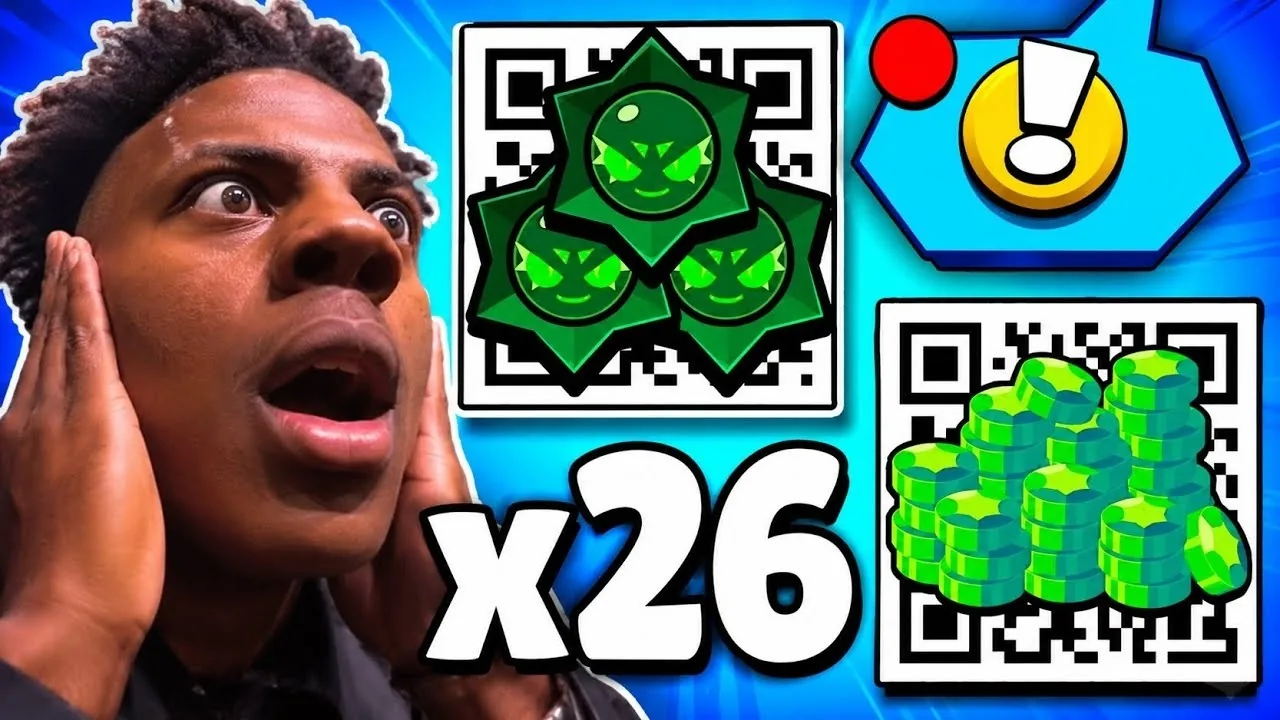
Brawl Stars redeem code promotions grant free cosmetic items, in-game currency, and seasonal boxes through official redemption links, text vouchers, and scannable images. Players claim these bonuses through the web store or directly within the mobile application.
Overview of Redeem Methods
Players redeem promotional offers through three distinct formats provided by Supercell. Each format delivers specific item types and relies on its own interface.
| Redemption Method | Best Suited For | Required Action |
|---|---|---|
| Supercell Store Codes | Claiming store-exclusive currencies and cosmetics | Log in with Supercell ID at the web store and submit the text code |
| QR Voucher Links | Collecting pins, sprays, icons, and seasonal reward boxes | Scan the voucher image with a camera to launch the link |
| Creator Boost Codes | Supporting content partners through regular in-game purchases | Enter the designated creator tag in the shop menu |
Reward Types Available from Codes
Supercell distributes codes to give players access to extra account resources. Promotional campaigns regularly feature coins for brawler upgrades alongside token currencies used across seasonal shop rotations.
Cosmetic items represent the most common rewards distributed through voucher links. These include player pins, animated sprays, and profile icons celebrating collaborations or seasonal themes. High-tier campaign drops grant special loot containers such as a Chaos Drop or themed mystery boxes that yield random resources, character credits, and brawler skins. Players also receive free rewards consisting of bonus gems during designated seasonal promotions.
How to Redeem Store Codes
Text-based store codes can be submitted through the web platform or inside the game client. Both paths require an active Supercell ID connected to your game profile.
Redeeming on the Supercell Store Website
- Open your web browser and navigate to the official Supercell Store website.
- Sign in with the Supercell ID attached to your personal game profile.
- Scroll toward the bottom of the page to locate the Enter Code submission field.
- Enter the code using the exact letter casing and punctuation.
- Select the submit button and launch the app to receive your rewards.
Redeeming Store Codes In-Game
- Open the app on your mobile device and tap the Shop icon on the left side of the home screen.
- Select the Resources tab.
- Scroll downward to locate the Enter Code button.
- Type or paste the code, confirm your input, and collect the granted items.
How to Redeem QR Codes and Direct Voucher Links
QR codes contain direct web links that initiate item redemption inside the app. Players can scan these vouchers using a secondary screen or through built-in phone scanners.
Using Your Mobile Camera
- Ensure the app is installed and updated on your primary phone or tablet.
- Open the standard camera application on your device.
- Point your camera lens toward the image until a URL beginning with the official game domain appears.
- Tap the link to automatically open the application.
- Select the Claim button on the prompt that appears on screen.
Using the In-Game Scanner
- Open the application and navigate into the Shop.
- Tap the QR scanner icon located within the shop interface.
- Align the on-screen frame with the scannable code.
- Confirm the prompt by tapping Claim once the reward screen opens.
How to Activate Creator Codes
Creator codes differ from voucher rewards because they direct revenue rather than depositing items into your inventory. When you make purchases to advance the Brawl Pass or acquire cosmetics, approximately 5% of the purchase proceeds go toward supporting your chosen creator.
- Open the game and select the Shop icon.
- Scroll to the Content Creator Boost section located at the bottom of the Shop or Resources menu.
- Tap Enter Code and input the exact creator handle.
- Select Confirm to lock in the creator boost.
Entering a new creator handle replaces the previous creator immediately, as each account supports one active creator at a time.
Resolving Code Redemption Errors
Failed redemption attempts generally stem from formatting, account mismatches, or expired campaigns. Reviewing these setup details resolves most issues:
- Single-use limitations: Official vouchers operate on a strict one-time claim policy per player account. Scanning or typing a previously redeemed voucher produces an error or fails to trigger the reward dialog.
- Platform requirements: Text vouchers require the Enter Code text field on the web store or in-game shop, whereas QR codes must be scanned as image links.
- Exact punctuation: Store codes demand precise input, including capitalization and special characters like exclamation marks.
- Account synchronization: Web redemptions require logging into the exact Supercell ID linked to your mobile account to ensure items route to the correct profile.
- App version compatibility: Devices running older builds may fail to execute incoming web links. Updating the game client via your app store resolves linking failures.
Official Code Distribution Channels
Supercell distributes new codes and voucher links during planned community milestones. New drops appear across the following authorized platforms:
- Official YouTube broadcasts: Supercell shares voucher graphics during official update premieres, championship live streams, and seasonal animation reveals.
- Esports broadcasts: Live tournament streams on event.brawlstars.com feature time-sensitive reward vouchers for viewers during competitive matches.
- In-game News feed: Seasonal announcements in the game hub provide direct notifications and links for time-limited community rewards.
Next step
Supercell Store Rewards
Find out how to claim free items, collect Supercell ID points, and secure bonus progression through the official web shop.